
Most fleet refresh schedules are set at three years for no better reason than that’s the number everyone else uses. It’s rarely tied to actual failure data or performance benchmarks. It’s just the default warranty length, treated as an expiration date.
Chip manufacturers have every incentive to make last year’s hardware feel obsolete. New product launches, aggressive marketing, the whole cycle is built to make you think a 2023 laptop can’t keep up with a 2026 one. For most office work, that’s not true. What actually wears out is a battery, a hard drive, or an operating system clogged with three years of installed junk. None of those problems require a new machine.
Some IT teams have pushed their replacement cycle from three years to four or five and the complaints didn’t spike. Employees kept using laptops they already knew, IT kept its budget, and nothing broke.
Where The Money Should Actually Go
Swap a spinning hard drive for an SSD. Double the RAM. These two changes alone turn a machine people were ready to throw out into one that boots in ten seconds and runs five browser tabs without choking. Cost per device is usually under £120. Labour is under an hour. Compare that to a £900 replacement laptop and the math isn’t close.
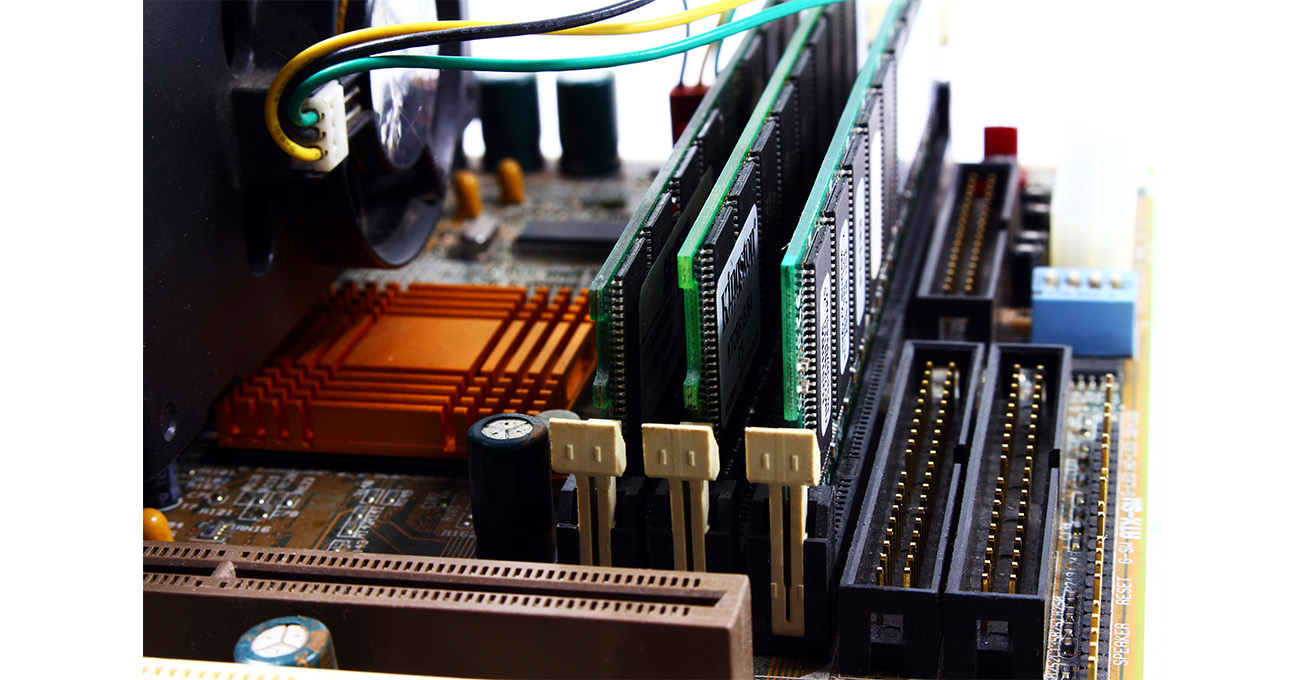
The same logic applies on the server side. A Dell tower server that’s three or four years old often still has plenty of life left in it. Add more RAM, upgrade to SSDs or NVMe storage, and it can keep running production workloads that don’t need the latest generation of processors. Small businesses in particular tend to replace tower servers on a rigid schedule when a targeted upgrade would have solved the actual bottleneck for a fraction of the cost.
Batteries deserve more attention than they get. A degraded battery doesn’t just hold less charge, it also makes the CPU throttle itself to conserve power, so the whole machine feels slower even when nothing else changed. Replace batteries proactively, on a two or three year cadence, rather than waiting for someone to complain their laptop dies by lunch.
Dust removal and fresh thermal paste sound too small to matter, but a laptop or server running 15 degrees cooler throttles less and lasts longer before components degrade. It’s an £8 fix that most fleets never get around to.
Check The Software Before You Blame The Hardware
A lot of “my computer is old and slow” tickets are really “my computer has forty background processes and hasn’t been reimaged since 2023” tickets. Startup bloat, abandoned apps, and browser extensions nobody remembers installing all add up and get blamed on the hardware. A clean reimage and firmware update fixes more machines than people expect.
Different Machines Age Differently
A blanket refresh policy treats an accountant’s laptop the same as a video editor’s workstation, which makes no sense. The accountant’s machine can likely run five or six years with a storage and memory upgrade at the halfway mark. The workstation running heavy renders might genuinely need new hardware in two or three years. Segmenting the fleet by actual workload, rather than applying one policy to everyone, is more work to set up but saves real money over time.
There’s also a growing expectation, from regulators and from customers, that companies aren’t just discarding electronics on a fixed timer. Extending a device’s useful life when the performance still holds up isn’t just cheaper. It cuts down on e-waste too, which is increasingly something companies get asked about directly.
None of this means never buying new hardware. Security requirements and genuinely demanding workloads still call for it. But most of a typical fleet doesn’t need replacing on schedule just because the schedule says so. It needs an SSD, more RAM, a fresh battery, and someone checking on it before it fails, not after.
Photo Credit: Pexels.